How to update your address
Sep 20, 2026
Short answer: Update the address in your account before your next purchase, and write to customer service if an order has already been placed. If the parcel has been sent, the change has to be made with the carrier.
A change in your account applies going forward
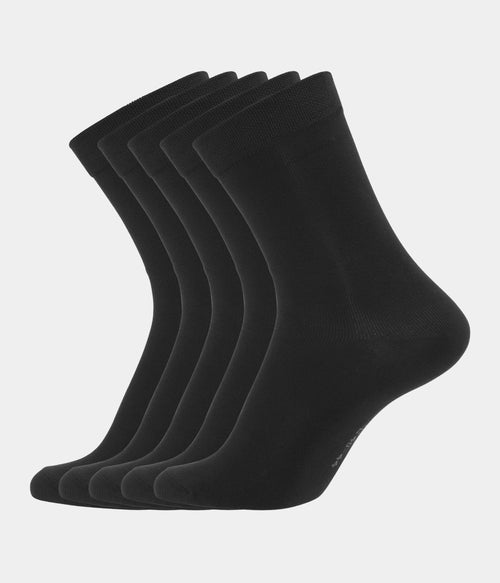
If you change the address in your account, the new one is used for your next order, but not for orders already placed. That is easy to miss after a move. Check it before you order again from the range for men, so nothing ends up at the old address.
How to find the address in your account
Log in and go to your profile, where there is a page with your saved addresses. There you can correct the old one or add a new one and set it as default. Read it through afterwards, as a wrong house number or a missing flat number are the most common mistakes.
Check the address at checkout every time
Even with an updated account, it is a good habit to look at the address before you click the button. It is shown at checkout just before payment. If you have several addresses saved, such as work and home, this is where you see which one is chosen for this order.
A new order can often still be changed
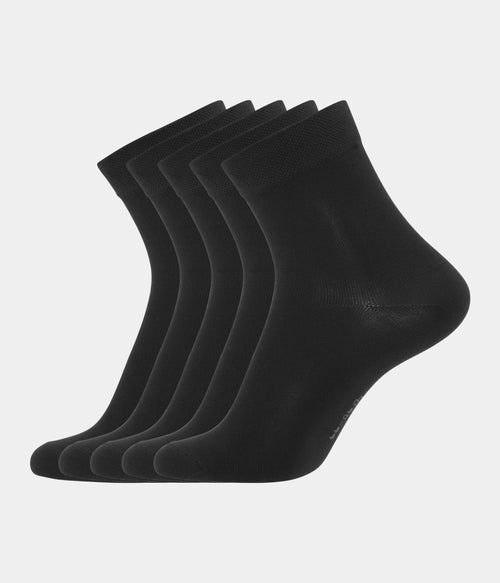
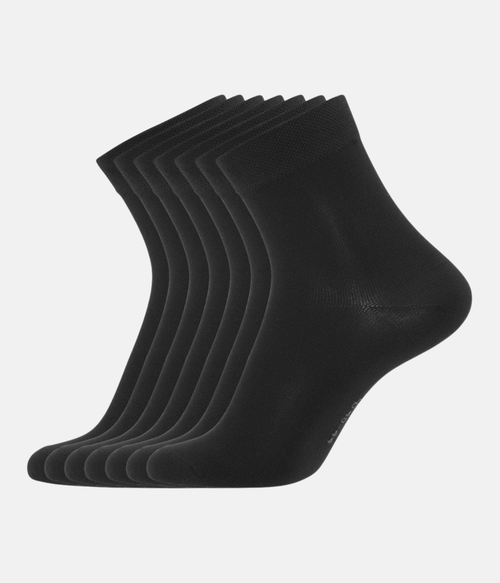
If the order is placed but not yet packed, the address can usually be corrected the same day. Write straight away and include the order number so the case is found quickly. That also applies to an order of bamboo underwear for men that needs to reach the new address.
Write briefly and clearly
Put the order number at the top, then write the old address followed by the new one in full, with postcode and town. That leaves no doubt about what should change. The sooner the email arrives after the order is placed, the better the chance it is read before packing.
After dispatch the carrier is in charge
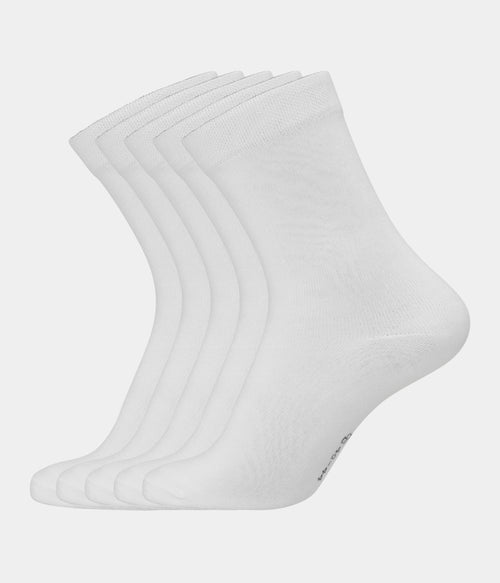
Once the parcel has been scanned in by the carrier, only they can redirect it, and that is done through the tracking link. The shop cannot move it from there. That also applies to a pair of socks for men already on its way in a small parcel.
How to use the tracking link
Open the link from the email with the tracking number and look for an option to change delivery. Many carriers let you choose a nearby parcel shop or a different day. What is possible depends on the carrier and on how far the parcel has already travelled.
If the parcel comes back
If the parcel cannot be delivered, it goes back to the warehouse. Once the address is corrected, it is sent out again. Write to customer service with the order number and the right address, and it will be on its way as soon as possible without a new order.
Frequently asked questions
Can I change to a parcel shop
Usually yes, through the carrier's tracking page once the parcel has been sent. If it has not been sent yet, customer service can often change it on the order.
What if the parcel comes back
It is sent again once the address is corrected. Write to customer service with the order number and the new address so the parcel can go out quickly.
Where do I change the address in my account
Under your profile on the addresses page, where you can correct the old address or add a new one and choose it as the one used from now on.
You can find the full range at Copenhagen Bamboo.