How to use a discount code
Sep 20, 2026
Short answer: The code goes in the discount code field in the basket or on the checkout page, and you tap apply. The total updates straight away, so you can see it worked before you move on to payment.
Enter the code exactly as written
A discount code rarely cares about upper or lower case, but spaces and hyphens count. Copy the code rather than typing it, and take care not to include a space before or after. That way a valid code is not rejected. That also applies when the basket holds popular picks for women.
Check that the total changes
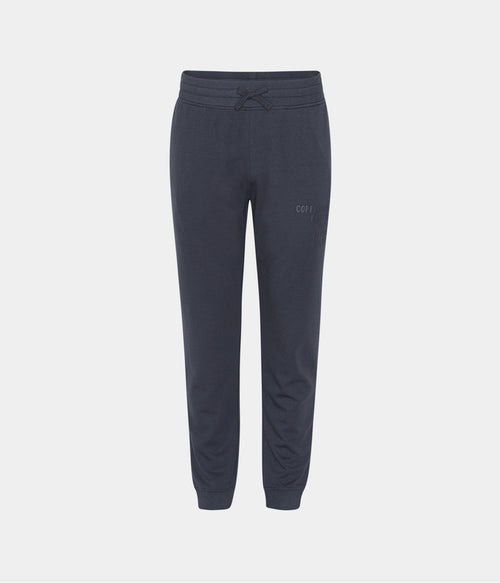
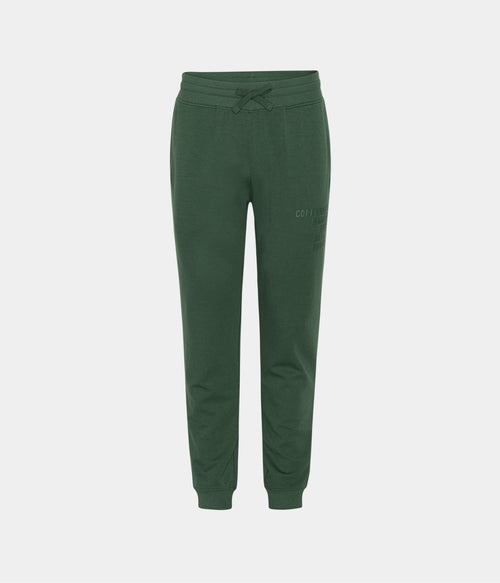
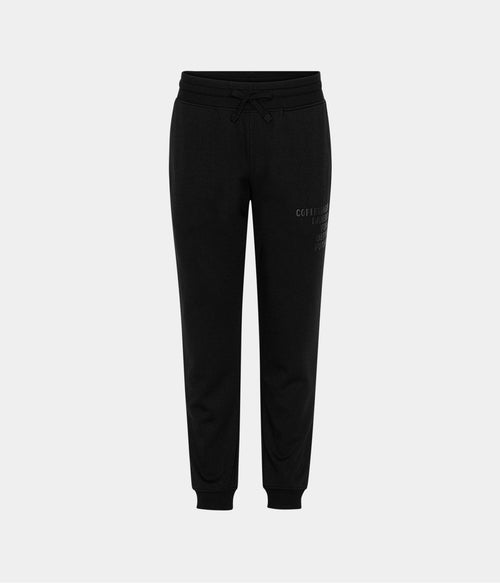
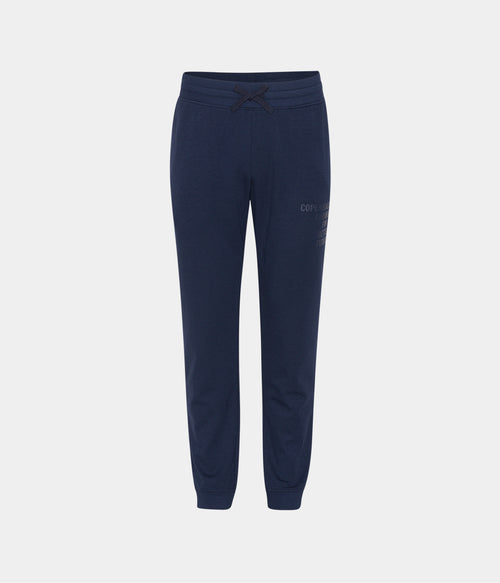
A code that has been entered but not applied gives no discount. Look at the total and see that it has dropped before you pay. The discount usually has its own line in the summary, so you can see exactly what it took off. That also goes for bamboo joggers for women in the basket.
A code often covers only certain items
Many codes are tied to a selection or to items outside a sale, and then they only apply to those lines. The basket shows which, so you can see whether the discount hits what you expect. Read the terms in the email the code came in. That also applies to bamboo sweatpants for women.
Fill the basket first
It is easiest to add all items and enter the code last. Then you see straight away what the discount does to the total. If you add or remove items afterwards, check that the code is still there and that the discount has been worked out on the new contents.
Where the field is
The discount code field sits in the basket or at the top of the checkout page. On a phone it may be hidden behind a small arrow or link you tap before the field opens. If you cannot find it, scroll up and down the checkout page before moving on. It is the same field used for gift cards.
One code at a time
Usually only one discount code can be used per order. If you have several, try them one by one and see which gives the most on your basket. One may cover the whole basket, another only certain items. The basket shows the difference, so you can choose the one that suits the purchase.
The code must go in before payment
A discount code has to be entered before you pay. Once the order is complete, the code usually cannot be added afterwards. So take a last look at the summary right before you tap pay and check the discount is there. It takes seconds and saves you a case later.
If the code does not work
First check that the code was copied in full and has not expired. Then see whether the basket meets the terms, such as a minimum or certain items. If an error remains, read the message in the basket, as it usually points to what is missing. Otherwise write to customer service with the code and a screenshot.
Frequently asked questions
Where do I find the field
In the basket or at the top of the checkout page. On a phone it may sit behind a small arrow you need to tap first.
Can I use two codes
Usually only one at a time. Try them one by one and see which gives the most on your basket.
Can I add the code after buying
No, it has to go in before you pay. So check that the discount shows in the summary right before you tap pay.
You can find the full range at Copenhagen Bamboo.